
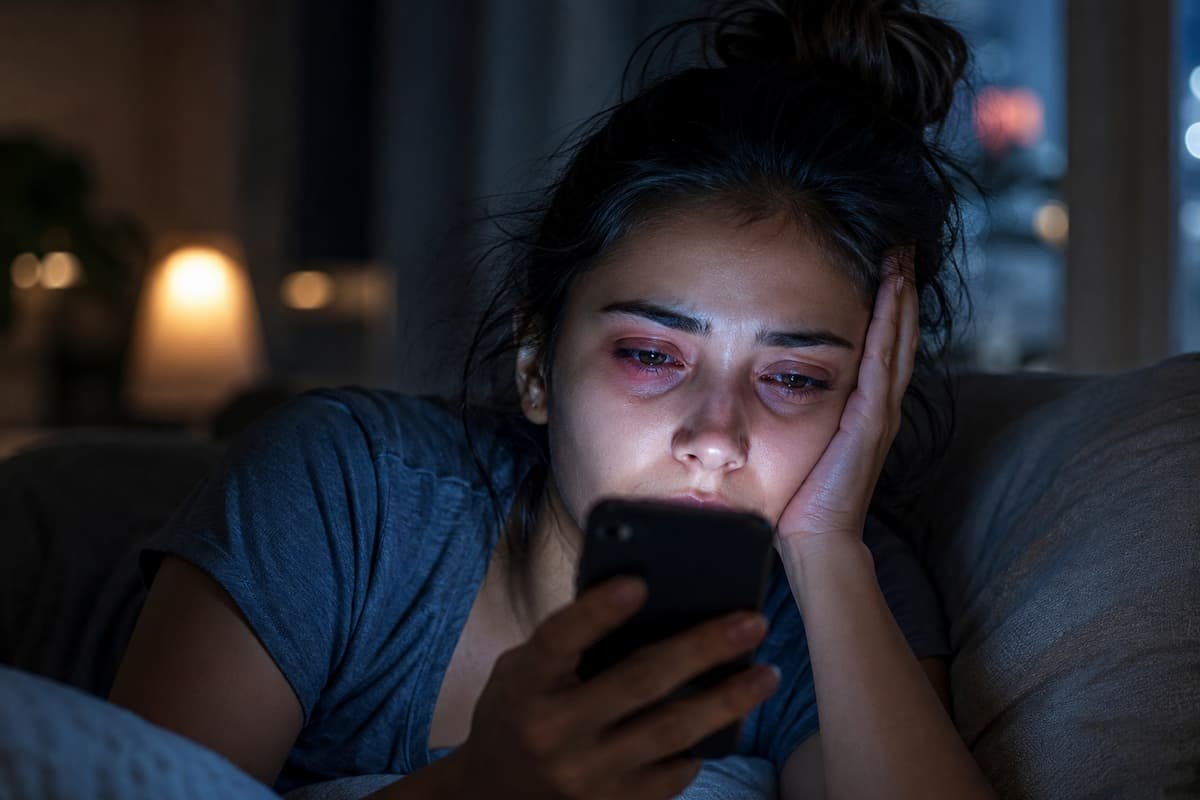
You close your laptop at 6 p.m., reach for your phone to unwind, and by 9 p.m, your eyes feel like they’ve been rubbed with sandpaper. The burning starts subtle and then builds. You blink hard. Nothing changes. If this sounds familiar, you’re in good company—millions of people finish their day with the same gritty, exhausted sensation. The culprit isn’t a mystery, but the mechanics behind it are more intricate than most realize.
Digital eye strain, also called computer vision syndrome (CVS), has quietly become one of the most common health complaints of the modern era. A 2023 meta-analysis covering over a decade of research found that roughly 69% of screen users experience symptoms of CVS, with prevalence spiking to 74% during periods of heavy remote work like the COVID-19 pandemic. These aren’t just numbers on a chart—they represent real people rubbing their eyes at midnight, wondering why simple blinking no longer brings relief.
The Blink You Forgot to Take
Here’s something most people never think about: blinking is a reflex, but it’s not an automatic one. When you stare at a screen—whether it’s a spreadsheet, a TikTok feed, or a novel on your tablet—your brain enters a state of sustained visual attention. In that state, your blink rate collapses.
Under normal conditions, a healthy adult blinks about 15 to 20 times per minute. That rate keeps a thin, stable film of tears spread evenly across the cornea, protecting it from drying air and microscopic irritants. But the moment you fixate on a screen, that number plummets. Studies consistently show that screen use drops blink rates by 50% to 70%, sometimes leaving people blinking as little as 5 to 7 times per minute.
Research published in Nature Scientific Reports in late 2025 took this a step further. Investigators found that maintaining a blink rate of at least 10 blinks per minute was the critical threshold for preserving tear film stability in young adults already experiencing dry eye symptoms. Below that line, the ocular surface deteriorated measurably within 30 minutes. The implication is sobering: most of us are living well below that threshold for hours every single day.
More Than Just Missing Blinks
Reduced blinking is the headline, but several other factors pile on the strain. Understanding them helps explain why some people suffer worse than others, and why simply “taking a break” sometimes isn’t enough.
| Factor | What It Does to Your Eyes | Who It Hits Hardest |
|---|---|---|
| Screen proximity | Holding phones 8–12 inches from your face forces constant accommodation (focusing effort), fatiguing the ciliary muscles | Smartphone users, especially teens and young adults |
| Viewing angle | Looking upward at a monitor causes the eyes to open wider, increasing tear evaporation | People with monitors placed above eye level |
| Blue light & glare | High-energy visible light reduces contrast and increases retinal stress, indirectly worsening dryness symptoms | Anyone using screens in dark rooms or at maximum brightness |
| Incomplete blinks | Even when people do blink at screens, the lids often don’t fully meet, failing to spread tears or express meibomian gland oil | Heavy computer users; contact lens wearers |
| Environmental dryness | Air conditioning, heating, and low humidity accelerate tear evaporation regardless of screen use | Office workers in climate-controlled buildings |
Smartphones deserve special mention. A comprehensive review in the NIH/PMC database noted that smartphone use is more strongly associated with dry eye disease than other digital devices, likely because of the extremely close viewing distance and the tendency to use them while lying down or in suboptimal lighting. Among school-aged children, one case-control study found a staggering 71% association between smartphone use and dry eye symptoms.
What the Symptoms Actually Feel Like
Not everyone experiences digital eye strain the same way. For some, it’s a dull ache behind the eyes by mid-afternoon. For others, it’s a sudden inability to focus on text after hours of scrolling. The symptoms overlap enough that people often mistake them for allergies, fatigue, or simply “needing more sleep.”
A 2022 cross-sectional study of adolescents found that 67% reported at least one symptom of digital eye strain. The most common complaints were the following:
- Eye strain or ocular fatigue — 54%
- Headache — 46%
- Dryness or burning sensation — 39%
- Blurred vision — 31%
- Watering of eyes — 28%
Importantly, symptom severity rose sharply with screen time. Among adolescents using screens for more than four hours daily, 85% experienced symptoms, compared to just 33% in the low-usage group. The correlation wasn’t just about total hours—it was about sustained, uninterrupted focus.
Why It Gets Worse at Night
If your evening scrolling feels more punishing than your morning emails, there’s a physiological reason. By nighttime, your eyes have already logged hours of reduced blinking and sustained accommodation. The focusing muscles are fatigued. The tear film is compromised. On top of that, blue light exposure in the evening suppresses melatonin production, disrupting sleep quality, and poor sleep is independently linked to worse dry eye symptoms.
Using your phone in a dark room compounds the problem. Your pupils dilate to let in more light, but the screen’s brightness stays constant. The contrast shock forces your visual system to work even harder. Meanwhile, the horizontal position many people adopt while scrolling in bed changes the eyelid mechanics, making full blinks even less likely.
Practical Relief: What Actually Works
There’s no shortage of advice online about digital eye strain. Some of it is solid. Some marketing is dressed up as science. Here’s what the evidence supports.
The 20-20-20 Rule
Every 20 minutes, look at something 20 feet away for 20 seconds. It sounds almost too simple, but it works by relaxing the ciliary muscles responsible for near focusing. A 2024 systematic review highlighted this as one of the most consistently recommended preventive measures across occupational health literature. The key is consistency—setting a timer helps more than relying on memory.
Conscious Blinking
This sounds absurd until you try it. Set a reminder to take five slow, deliberate blinks every 10 minutes. A full blink means your upper and lower lids actually touch. This re-establishes the tear film and expresses oil from the meibomian glands along the lid margins. Research from 2025 suggests that instructed blinking at 20 times per minute for short intervals can measurably improve ocular surface parameters in people with dry eye symptoms.
Screen Positioning
Your monitor should sit slightly below eye level—about a 15 to 20 degree downward gaze. This encourages more complete blinks and reduces the exposed ocular surface area. For phones, hold them at least 16 inches from your face. Yes, it feels unnatural at first. Your eyes will thank you.
Quick setup checklist for your workspace:
✓ Monitor top edge at or slightly below eye level
✓ Screen 20–26 inches from your eyes
✓ Brightness matched to ambient light (not maxed out)
✓ Position the screen to avoid window glare
✓ Use a humidifier if indoor humidity drops below 40%
Artificial Tears
Over-the-counter lubricating eye drops provide immediate relief, but choose wisely. Drops with preservatives can irritate with frequent use. If you need them more than four times daily, switch to preservative-free single-use vials. For chronic cases, prescription options like cyclosporine or lifitegrast address underlying inflammation rather than just masking symptoms.
Outdoor Time
Spending 60 to 90 minutes outdoors daily supports overall eye health. Natural light encourages distance focusing, which relaxes the accommodation system. For children and teens, outdoor time is also associated with reduced myopia progression—a separate but related concern given how much near work screens demand.
When to See a Professional
Most screen-related dryness improves with the strategies above. But some symptoms warrant an eye exam:
- Persistent redness or pain that doesn’t resolve after a full night’s sleep
- Blurry vision that doesn’t clear with rest
- Light sensitivity that interferes with daily activities
- Difficulty wearing contact lenses that you previously tolerated
- Headaches that cluster around the eyes or temples
An optometrist or ophthalmologist can perform a slit-lamp examination to assess your tear film quality, measure tear break-up time (how quickly tears evaporate after a blink), and check for meibomian gland dysfunction. These objective tests separate temporary screen strain from chronic dry eye disease, which requires targeted treatment.
The Bigger Picture
Digital eye strain isn’t going away. The average adult now spends over 10 hours daily in front of screens, and that number keeps climbing. Workplace productivity losses from CVS exceed $2 billion annually in the United States alone. For individuals, the cost is measured in discomfort, disrupted sleep, and diminished quality of life.
The good news: this is largely a preventable condition. Your eyes weren’t designed for eight-hour marathons of pixelated text, but they are remarkably adaptable when given the right conditions. Small, consistent changes—better blinking habits, proper screen distance, regular breaks, and environmental humidity—add up to meaningful protection.
The next time your eyes feel like sandpaper after a day of scrolling, remember: it’s not just “tired eyes.” It’s your visual system sending a clear signal that something in your daily routine needs adjusting. Listen to it.
Sources and References
- Computer Vision Syndrome: A Comprehensive Literature Review. PMC/NIH. https://pmc.ncbi.nlm.nih.gov/articles/PMC11901492/
- Prevalence of Computer Vision Syndrome During the COVID-19 Pandemic: A Systematic Review and Meta-Analysis. BMC Public Health / Springer, 2024. https://link.springer.com/article/10.1186/s12889-024-17636-5
- Digital Eye Strain — A Comprehensive Review. PMC/NIH, 2022. https://pmc.ncbi.nlm.nih.gov/articles/PMC9434525/
- Identification of a Blink Frequency Threshold for Maintaining Tear Film Stability in Young Adults with Dry Eye Symptoms. Nature Scientific Reports, 2025. https://www.nature.com/articles/s41598-025-26424-z
- Association Between Screen Time, Blink Rate, and Symptoms of Digital Eye Strain in Adolescents. Healthcare Bulletin, 2022. https://healthcare-bulletin.co.uk/article/association-between-screen-time-blink-rate-and-symptoms-of-digital-eye-strain-in-adolescents-a-cross-sectional-observational-study-4667/
- Dry Eyes Because of Screen Time? Protecting Eye Health in Children. I-MED Pharma, 2025. https://imedpharma.com/blog/dry-eyes-because-of-screen-time-protect-eye-health-children/
- Digital Eye Strain in 2026: Causes & Fixes. Bynocs, 2025. https://bynocs.com/blogs/digital-eye-strain-in-2026-causes-fixes/
- Why Do Eyes Feel Dry While Using a Mobile? Causes & Relief. Vision Eye Centre, 2026. https://www.visioneyecentre.com/blog/why-do-eyes-feel-dry-while-using-mobile

Aisha Patel is the main writer and editor at GameVolts, a site she built to make neuroscience and health research useful for everyday people. She covers sleep, digital wellness, beginner fitness, skin science, and productivity — always digging into the original studies rather than recycling headlines. Aisha started GameVolts because she kept finding wellness advice that contradicted itself and rarely linked to actual evidence. Her rule is simple: if she cannot explain the mechanism behind a claim, she does not publish it.